How to use a Joomla! component and custom module to create a professional looking LMS with a visual sidebar.
So you want to create and launch your first online course, and you love the look of the professional LMS with a sidebar for easy course navigation. But—you’ve looked at the tools available online and—honestly, the options are not great for first timers.
If you don’t have an audience of thousands of raving followers, you may not be sure you’ll sell anything in the first 30 days before the trial period expires and the $89 a month price tag kicks in. Sheesh!
Every creator knows that feeling when they look at their monthly bills. It almost feels like you’re renting your empire. Platforms like ClickFunnels and Kajabi are shiny—sure, they promise you the moon and the stars. But at the end of the day? You’re just a tenant on their land. The rent is high, and if you stop paying, your school vanishes into thin air.

I wanted to own the ground I walked on—and to be honest, it took me a while to come to the conclusion that your moat around your business extends to the platform that you build it on.
How I Got Here
You see—when I started selling courses on Udemy, I realized I was caught in a digital cage.
Sure, the platform worked great—it allowed me to publish and sell my very first online course free of charge, and the platform provided me with my first customers, after taking a hefty chunk of the tuition fee. But that was it, and I quickly fell out of love with Udemy. The company won’t even give you the e-mail addresses of your customers, and you’re seriously limited in the content that you are allowed to send them—no promotions outside of the platform, only educational content, etc.
So, I decided I was going to escape from the walled garden, aka Big Skool. I needed a fortress, not a rental property. That’s why I turned to Joomla. It’s open-source, it’s free, and my site was already running on it anyway.
By turning Joomla into a Learning Management System (LMS), I realized I could save a fortune on monthly fees and have total control over the entire process that my students would go through—ensuring that I was insured against any future POS changes to those platforms’ TOS.
Getting an LMS running on Joomla!
To get a Joomla! Site set up as a badass solution to our course conundrum, we first need a LMS to display and manage the course content, and the heart of this entire operation is TF Learn, now just called the Learn extension. It’s a beast of a component, so to get it running, you first need to install not only the core extension, but also the TF library.
Once you’ve installed TF Learn, the real work begins. You have to build the entire framework of knowledge—your entire course structure, perfectly laid out for your eager students.
Configure TF Learn For The Ultimate Learning Experience
Here’s how I configured TF Learn. First, I went in and created my “Course” first—the big container for all the wisdom I wanted to share. Then, I broke that course down into manageable “Modules,” which are like the chapters of a book. Finally, I populated those modules with the actual “Lessons”—the meat and potatoes of the learning experience.
Take your time with this step, because you have to be organized here. If you build a house without a blueprint, it’s going to collapse. I added my content, my quizzes, and my videos. It felt good… the structure was solid.
Getting Your First Students
But a school is useless without students. I had built a beautiful classroom, but the doors were locked, and the mailman was on strike (being from Quebec, Canada, I know what I’m talking about). I had to configure Joomla to let the students through the door, or I would be running a ghost school and talking to myself.
First, you’ll go into the Global Configuration. You may need to fix the Mail settings under the Server tab, so your students can get their login information. If the system can’t send emails, your students will never get their passwords, and you’ll be lecturing into the void. I set up my SMTP details to ensure every email hit the inbox, not the spam folder, because every communication is a piece of gold.
Next, I went to the Users configuration. By default, your Joomla installation might keep the gates closed, so toggle “Allow User Registration” to Yes. I also set the “New User Account Activation” to “Self” so they could verify their own emails. Now, the gates were open. The students could finally enroll.
Strengths and Problems with TF Learn
Here is where the drama started. TF Learn is a powerful, flexible, and truly user-friendly Joomla component. It’s designed to integrate a full-featured Learning Management System right into your site. Whether you are running an educational institution, selling online courses, or providing employee training, this component gives you all the tools you need to manage courses with ease. It’s a Ferrari engine… but I realized it had no steering wheel.
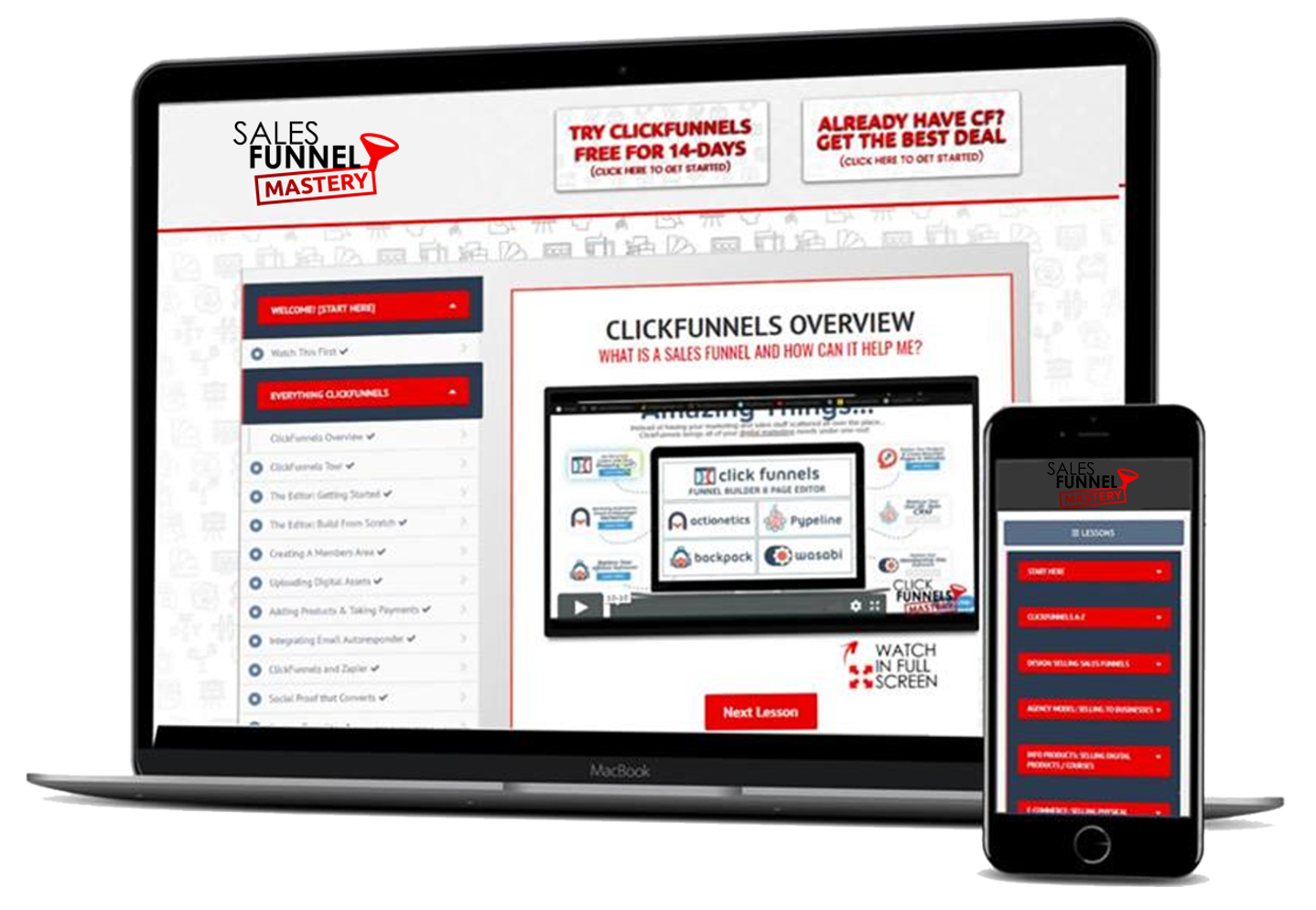
The navigation was a nightmare. Users would finish a lesson, go to complete a test and then wander aimlessly, looking for the next step. It felt like walking through a dense fog. Recent versions of TF Learn have helped by adding a simple dashboard button, but it was like putting a band-aid on a broken leg.
It just wasn’t enough. The students needed a map.
They needed to see where they were going and where they had been. The default setup just didn’t offer an easy way to navigate around the courses, and I needed to step up and offer a solution.
The Backstory: Chasing the Ghost in the Machine
I was first alerted to the problem of my students drowning in a sea of confusion through a dreaded refund request—my student felt he was wandering aimlessly, lost in a digital maze without a map. I had built a titan of a learning platform using TF Learn, but something was missing.
Imagining a real course dashboard for Joomla!
I closed my eyes and pictured the holy grail of course navigation. I imagined the sleek, professional look of the big players. I wanted a sidebar that hugged the screen, guiding the student like a lighthouse in a storm. I wanted it to look like those high-converting platforms that I had longed to escape—those that make millions of the backs of their users and course creators.
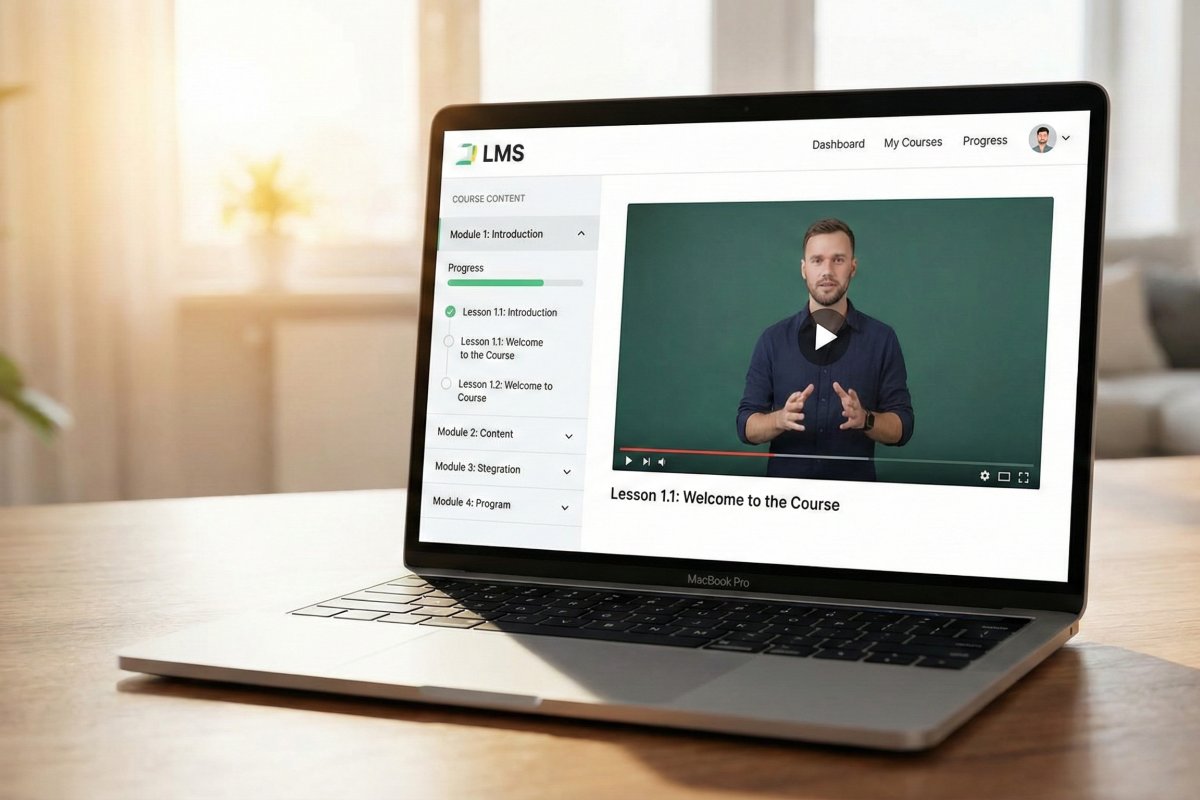
That was the dream—a sidebar on the right, showing every module and lesson, crystal clear like the pros do it. But Joomla, in its stubborn glory, wouldn’t let me simply throw the component output into a module position.
The problem was, the TF Learn component didn’t offer this functionality at all, even though all the pro LMS options ship with it. So, I was backed into a corner.
The default “dashboard” button just wasn’t enough—I needed a way to show the map while they were walking the path, not just at the start of the course.
Vibe Coding the Solution
So, I decided to go rogue. I realized the only way out was to fight fire with fire.
I dove deep into the component code, followed the Joomla module tutorial, and began creating a module with the sole purpose of showing the course dashboard. Since Joomla! doesn’t offer a native way to show the output of a component in a module position, the only alternative was to create a module that did the job itself.
So, one afternoon as I was sitting on the bench of the municipal pool—as my kids were splashing around in the water with their mother whilst under the watchful eyes of the lifeguard—Ivibe coded my way to a solution.
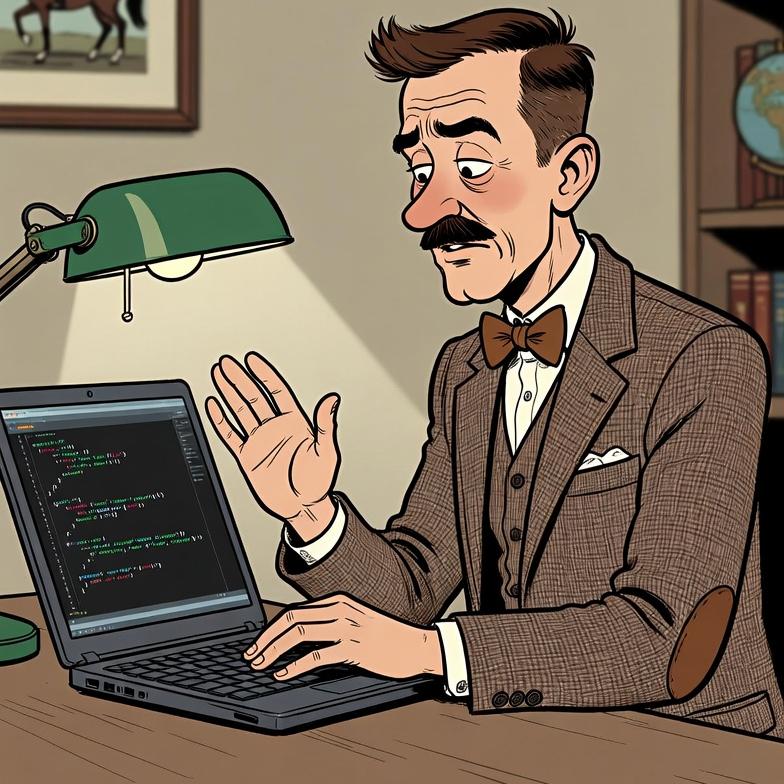
I took the soul of the component source code—the logic that lists the modules and lessons—and channeled it into a module helper file. It was surprisingly straightforward to borrow the component’s internal logic.
It was a risky move, but it worked!. I pulled the completion data, the lesson titles, and the access restrictions directly from the database. The result was the TF Learnpath module. It wasn’t just code—it was a bridge over the chasm of confusion. It brings a visual representation of the learning path, complete with support for multiple layouts like block, accordion, or tabs, making the learning journey simple and clean.
Installation and Use of the Module
Now, let me hand you the keys to the kingdom. Here is exactly how you can install the TF Learnpath module and saved your LMS from absolute chaos. You can find this digital treasure chest at the latest release link here: https://github.com/brettvac/TFLearnpath/releases/latest/download/mod_tflearnpath.zip.
First, you must ensure you have the TF Learn component installed with courses already built, or else you are fighting a ghost. You also need the TechFry Library to make the magic happen.
Then, take your special package and go to the Joomla Extension Manager. Put your package in there so it can install. The module is very smart! It will look for the TechFry Library. If the helper isn’t there, it will tell you right away.
Now, go to the Module Manager. Find your new module called “TF Learnpath” and open it up. You need to give it the ID number for your class.
Next, pick how you want it to look. You can make it like an accordion that opens one lesson at a time, like a stack of blocks, or like tabs with labels. I prefer the accordion layout because it creates suspense, revealing lessons one by one, but you can choose block or tabs to fit your design.
Make sure you turn it on so everyone can see it! Then, pick a spot for it to live, like the sidebar on the right (sidebar-right), for that perfect Cassiopeia theme framing
Tell it how to line up the lessons, from first to last. Set the lesson order, sorting by the lesson ordering field in ascending direction. Customize the icons by choosing a regular square for incomplete lessons and a sharp lock icon for the forbidden ones.
Test Everything Out
When you’re all done, look at your website. See how nice it looks? You did it! The learning path is there, organized and clean. The module shows the course title, followed by modules and their lessons, all linked directly to their pages. It even handles Access Restrictions flawlessly, showing a lock icon if the user hasn’t completed the necessary prerequisites. Your students will no longer be lost.
Of course, we need to talk about the treasure. You aren’t running a charity—you’re building an empire, one course at a time. You need to get paid, and for that, you’re going to need a solution. I recommend Hikashop because it’s a cinch to get the component to work with TF Learn, as long as you have the group plugin.